
Before you start
- The property already added, as a building or apartment structure
- How many units it has, and whether any are shared rooms with several beds
01
A unit is what your plan counts
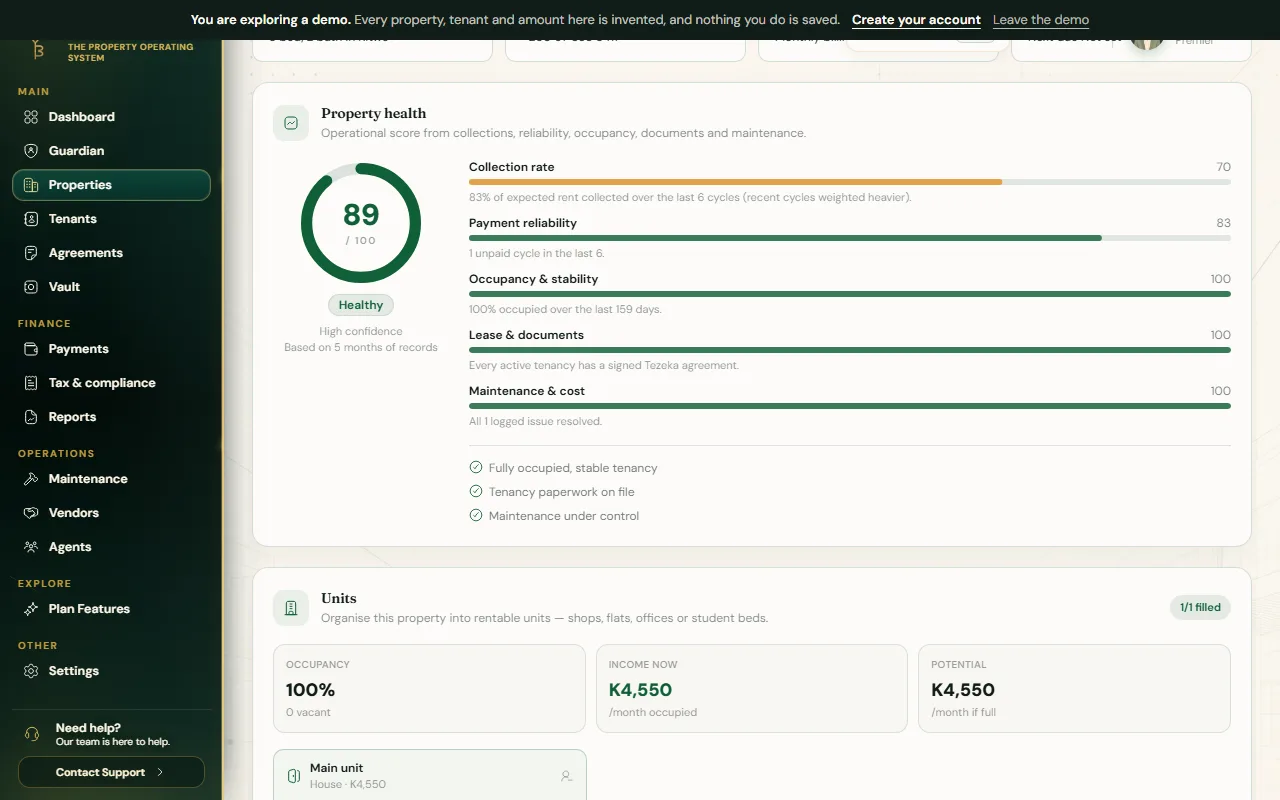
Your plan's limit is in units, a rentable space such as a house, a flat, a room or a bed, never in properties. A ten-flat block on a Growth plan uses ten of your ten units; the standalone house next door would need an eleventh.
Student rooms are the one exception worth knowing: a room with several beds is really several small units, one per bed, because that is how the rent and the tenancy actually work.
02
Generate the units
- Open the property and find its Buildings & units panel.
- Pick the closest structure: apartments, student rooms, shops or offices, and so on. This decides whether Tezeka asks for beds per room.
- Set how many units, a starting number and an optional label prefix, then save. Tezeka creates them all in one pass and shows the plan impact before you confirm anything that would take you over your limit.
- Optionally set a default rent and frequency for the whole batch. You can still change any one unit afterwards.
03
Place and move tenants
- On any vacant unit, assign a tenant you have already added, or add one now.
- To move a tenant out of a unit without closing their whole record, use the unit's own move-out control; the unit becomes vacant and ready for the next tenant.
- A unit with more space than you are using, a room let as one but really fits two beds, can be split into smaller units from the unit itself. Splitting does not touch anyone already placed in it.
If something goes wrong
Adding units would take me over my plan's limit.
Tezeka shows the projected count before you save, so you can adjust it down or upgrade first. Open Plan Features to see what your current plan allows.
I have many buildings to set up at once.
Bulk property import from a CSV template is available from Portfolio upward. Below that, add buildings one at a time and generate their units from the panel.
Still stuck? Contact support.