
01
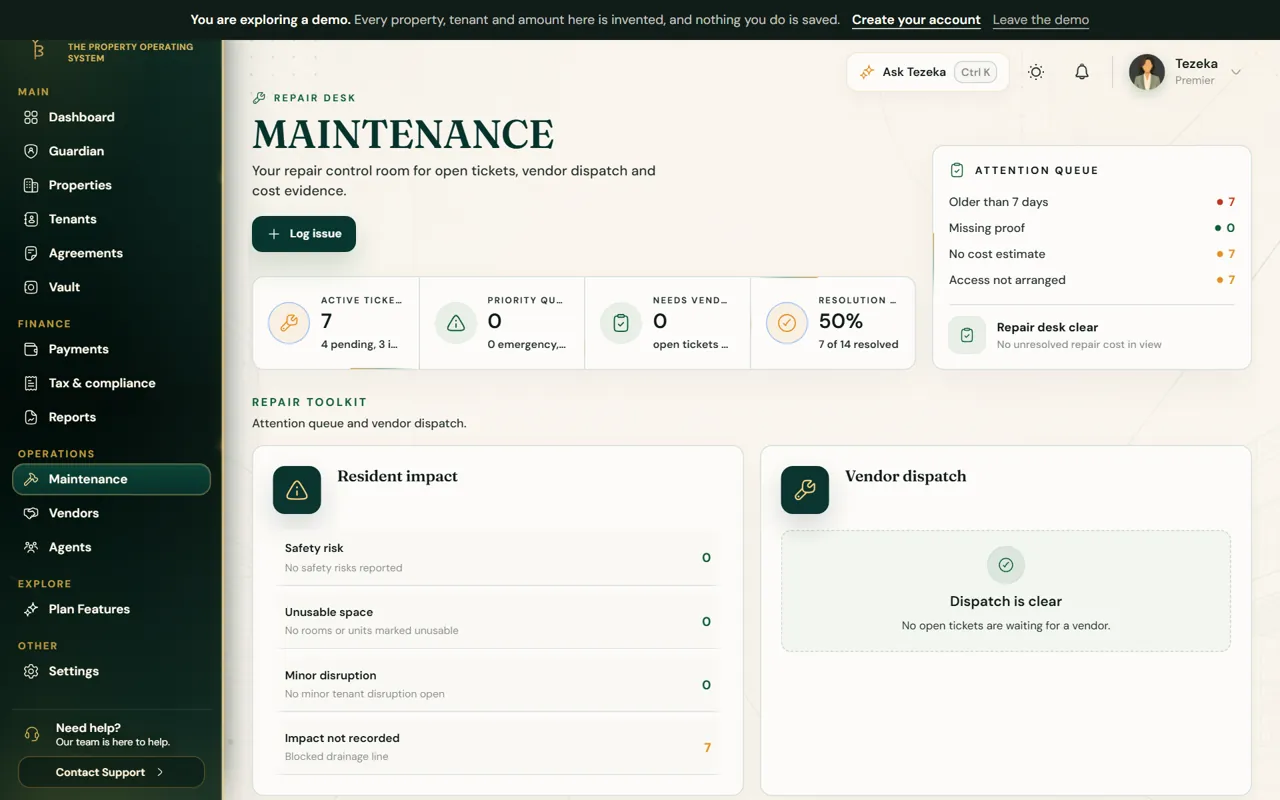
Log an issue
- Open Maintenance and choose Log issue.
- Pick the property, describe the problem and add photos.
- With no signal, save anyway. Tezeka keeps it on your phone, shows it as waiting, and sends it once you are back online. It is never logged twice.
02
Send it to a vendor
- Open the issue and assign a vendor from Vendors.
- Record the cost and attach the receipt when the work is done.
- Mark it resolved. The before and after photos stay on the property's record.
NoteRepair costs do not reduce rental income tax. They are recorded for your own profit figures and the property's history.
If something goes wrong
An issue I logged offline is missing.
Open Tezeka on the same phone while online; waiting issues send on their own. They are kept on that phone until they do.
Still stuck? Contact support.